RSS vs Email Newsletters: Which Should You Use?
RSS feeds vs email newsletters: Compare reach, engagement, privacy, and monetization. Learn which content distribution method works best for your blog in 2026.
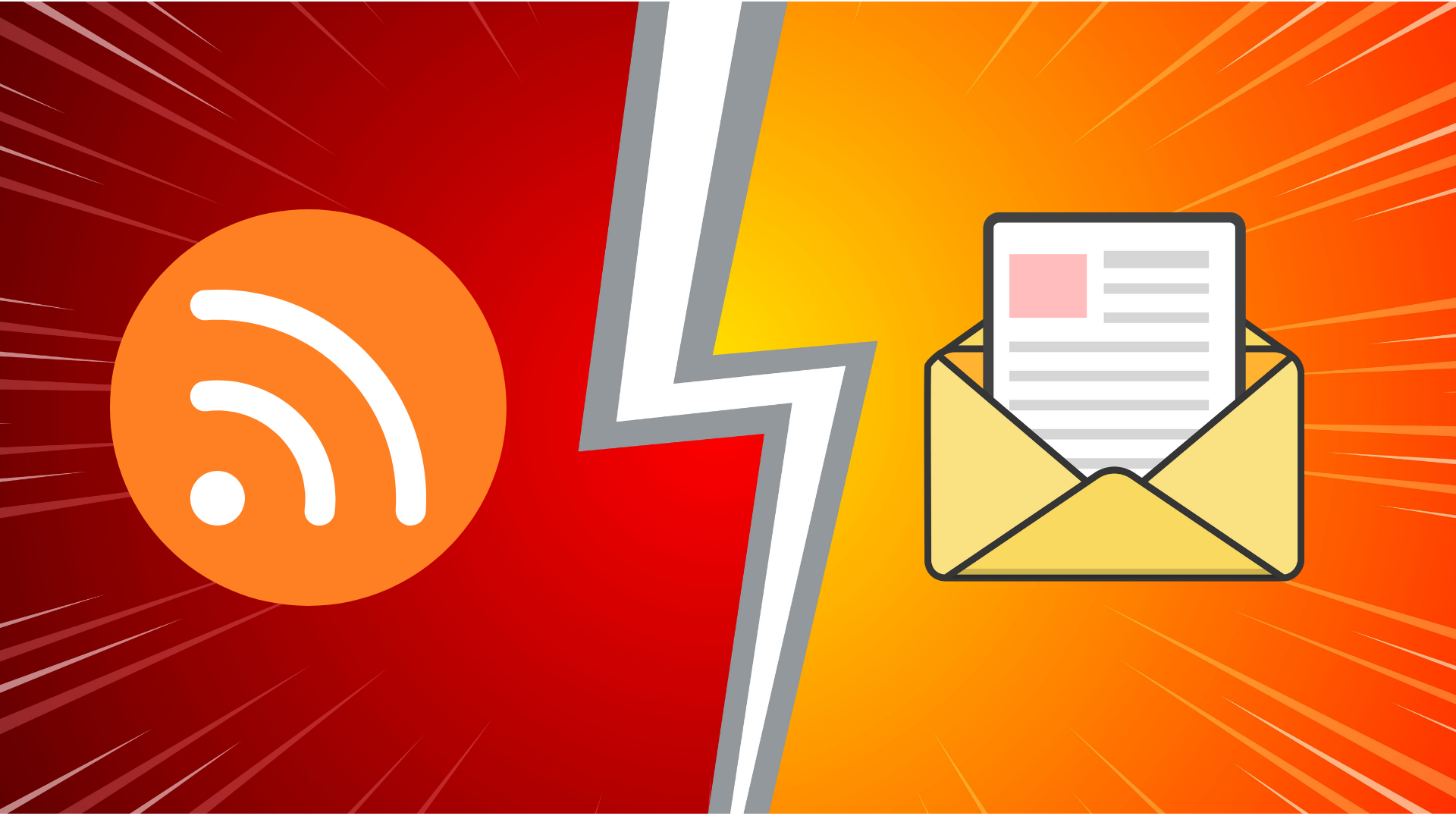
You spent hours writing the perfect article. Now you need to distribute it. Email newsletter? RSS feed? Both?
The answer isn't obvious. Email gets content directly into inboxes. RSS respects privacy. Both have trade-offs.
Here's what you need to know.
The Core Difference
Email = Push You push content to readers. They get it in their inbox when you send it.
RSS = Pull Readers pull content from your site. They check when they want.
Think of email like a newspaper delivered to your door. RSS is like visiting a newsstand whenever you feel like it.
Why RSS Wins
No spam filters RSS has 100% delivery. Email lands in spam folders or Gmail's Promotions tab 15-30% of the time.
No inbox fatigue People check RSS readers when they want. Email interrupts. After 50 newsletters, people start unsubscribing.
Privacy RSS doesn't need email addresses. No tracking pixels. No open rate monitoring. GDPR-compliant by default.
Unlimited frequency Publish 5 times a day? Email = inbox explosion. RSS = perfect. Readers scroll through headlines when convenient.
Portable Switch RSS readers anytime. Export all subscriptions in one click. Email? You're stuck with that address forever.
Tech audience loves it Developers and tech enthusiasts prefer RSS. They value privacy and control.
Why Email Wins
Universal Everyone has email. Not everyone knows what RSS is.
Direct Email lands in inbox. Hard to ignore. RSS requires readers to open their RSS app.
Measurable Track open rates (15-25% average), click rates, conversions. RSS = no analytics.
Monetization Sponsors want tracking. Email provides it. Native ads fit naturally in email. RSS ads are awkward.
Personal connection Readers can reply to emails. Two-way conversation. RSS is one-way.
Design control Full HTML/CSS control. Branded experience. RSS displays in reader's chosen format.
Quick Comparison
| Factor | RSS | |
|---|---|---|
| Reach | Lower | Higher |
| Deliverability | 100% | 70-85% |
| Privacy | High | Low |
| Cost | $0-9/mo | $10-100+/mo |
| Analytics | None | Extensive |
| Monetization | Hard | Easy |
| Frequency | Unlimited | Limited |
| Setup | 5 min | 30 min |
When to Use RSS
You publish daily or more News sites, active blogs, frequent updates. Email would annoy subscribers. RSS handles high frequency gracefully.
You have a technical audience Developers, engineers, tech professionals expect RSS. Not offering it = missed opportunity.
Privacy matters Security blogs, privacy tools, minimalist sites. RSS aligns with values.
You want low overhead RSS auto-updates. Zero maintenance. Email requires writing, sending, managing lists.
When to Use Email
You publish weekly or less Low frequency = no inbox fatigue. Email works great for weekly roundups.
General audience Non-technical readers understand email. RSS might confuse them.
Monetization is priority Sponsors need tracking. Email provides detailed analytics. Easier to sell.
You build community Email enables replies, surveys, two-way conversation. RSS can't do that.
Why Not Both?
Most successful blogs offer both.
The workflow:
- Publish blog post (your normal process)
- RSS auto-updates (zero effort)
- Once per week: Send email with links to week's posts (15 minutes)
Total effort: 15 minutes weekly for email. RSS = automatic.
Who uses each:
- 70% choose email (casual readers, general audience)
- 30% choose RSS (power users, daily readers)
Why exclude 30% of potential readers?
Big sites doing this: The Verge, Daring Fireball, Stratechery—all offer both. Different readers have different preferences.
How to Add RSS
Most platforms have it built-in:
WordPress: yoursite.com/feed (automatic)
Ghost: yoursite.com/rss (automatic)
Substack: Check settings for RSS URL
No RSS? Use FeedLake. Paste blog URL, get permanent RSS feed. Works with Webflow, Squarespace, Wix, custom sites.
Add RSS link to:
- Footer ("Subscribe via RSS")
- Sidebar widget
- About page
Common Myths
"RSS is dead"
Nope. Feedly has 15M+ users. The entire podcast industry runs on RSS. Tech industry uses it heavily. Just because mainstream doesn't use it doesn't mean it's dead.
"Nobody knows what RSS is"
Label it "Subscribe" instead of "RSS." Power users recognize the orange icon. Others use email option.
"You can't make money with RSS"
Wrong. RSS drives traffic to your site (where ads exist). Membership models work (Stratechery offers paid RSS feeds). Affiliates work in RSS too.
"Email gets better engagement"
Email has measurable engagement (15-25% opens). RSS engagement is invisible but potentially higher quality—people who check RSS readers daily are highly engaged.
Add RSS to Your Blog
Give your readers both RSS and email options.
Free plan available • No credit card required
Frequently Asked Questions
Will RSS hurt my email list?
No. Different audiences. People who prefer RSS wouldn't subscribe to email anyway (they avoid giving email addresses). You're not losing email subscribers—you're gaining RSS readers you'd otherwise miss.
Which gets better results?
Depends on goals. Email = measurable conversions (open rates, click rates). RSS = loyal daily readers with invisible but high-quality engagement. Both are valuable for different reasons.
Is RSS free?
For readers, yes. RSS readers are free or cheap ($0-6/month). For publishers: WordPress/Ghost have free built-in RSS. Custom sites can use FeedLake ($0-9/month). Email costs $10-100+/month depending on subscriber count.
Should I pick one method?
Only if you have strong reason (monetization priority = email only, privacy focus = RSS only). Otherwise offer both. The overhead is minimal—RSS auto-updates, email takes 15 min/week for roundup. Why exclude 30% of potential readers?
How do I promote RSS if people don't know what it is?
Don't say "RSS." Say "Subscribe" or "Follow." Include orange RSS icon (power users recognize it). Offer both "Subscribe via Email" and RSS side-by-side. Let readers choose without needing to understand what RSS is.
Next Steps
Related guides:
- RSS Feed Generator Guide – Learn how to generate RSS feeds from any blog
- Fix Broken RSS Feeds – Troubleshoot and fix RSS feed issues
Get started:
- Generate your first RSS feed – Free tier includes 3 feeds with 24-hour updates
Share this article
FeedLake Team
Content Team
1 article published
Our team specializes in RSS feed generation, content syndication, and automation. We help businesses and creators distribute their content effectively.
You Might Also Like

RSS Feed Not Working? 7 Common Issues and How to Fix Them
Is your RSS feed broken or not updating? Discover the 7 most common RSS feed issues and learn exactly how to fix them in minutes with our troubleshooting guide.
RSS Feed Generator: Convert Any Blog to RSS in 2026
Discover how RSS feed generators transform any blog into an RSS feed. Learn to automate content aggregation, bypass algorithm fatigue, and stay updated with your favorite sites effortlessly.